 CopyMD
Right-click menu
Copy a link, an image, the selection, a quote or the page itself straight from the context menu.
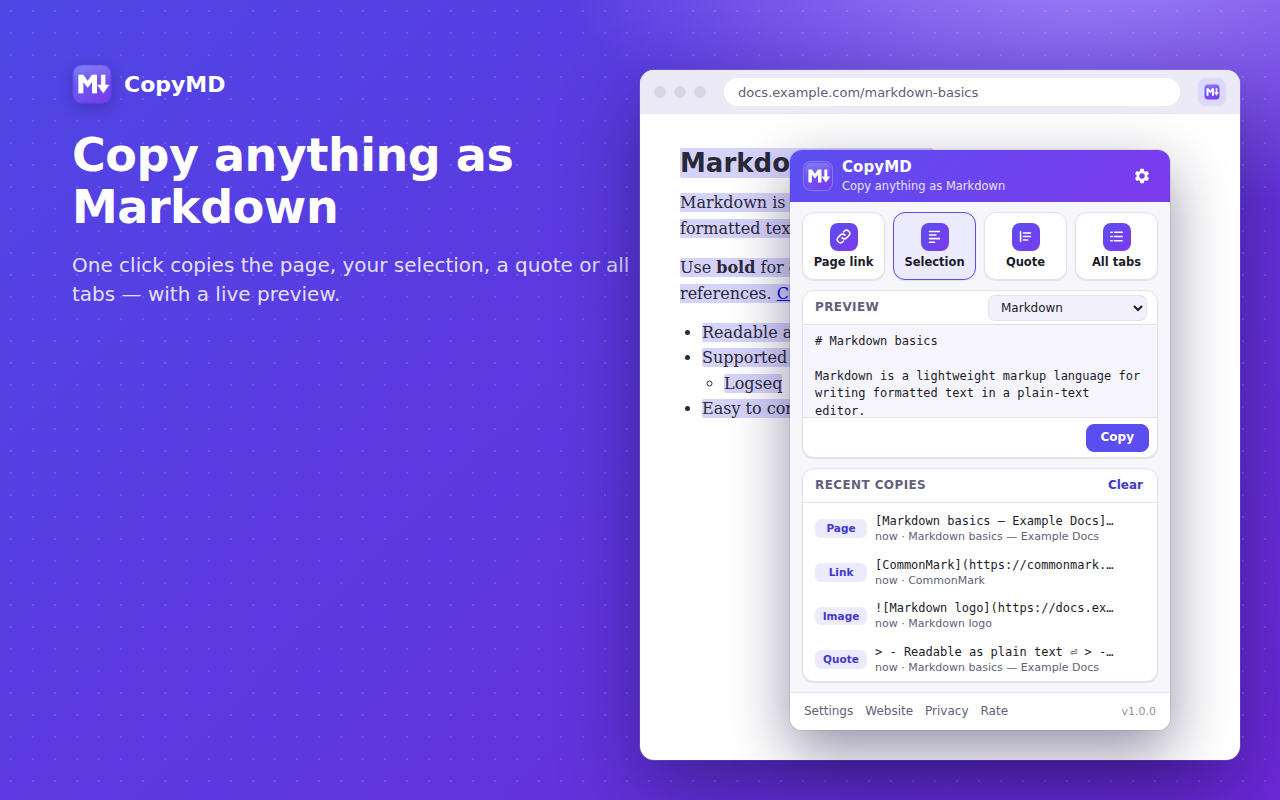
Links, selections with formatting, quotes with sources, images and whole tab lists — turned into clean Markdown with one click, a shortcut or the right-click menu.
Works in Chrome, Edge, Brave and other Chromium browsers.
CopyMD keeps the structure that matters and drops the clutter.
Copy a link, an image, the selection, a quote or the page itself straight from the context menu.
Bold, italics, code, links, lists, headings, quotes, code blocks with language and tables become proper Markdown.
Copy a passage as a blockquote that ends with a link to the page it came from.
Turn every tab in a window into a tidy list of links — perfect for research notes and reading lists.
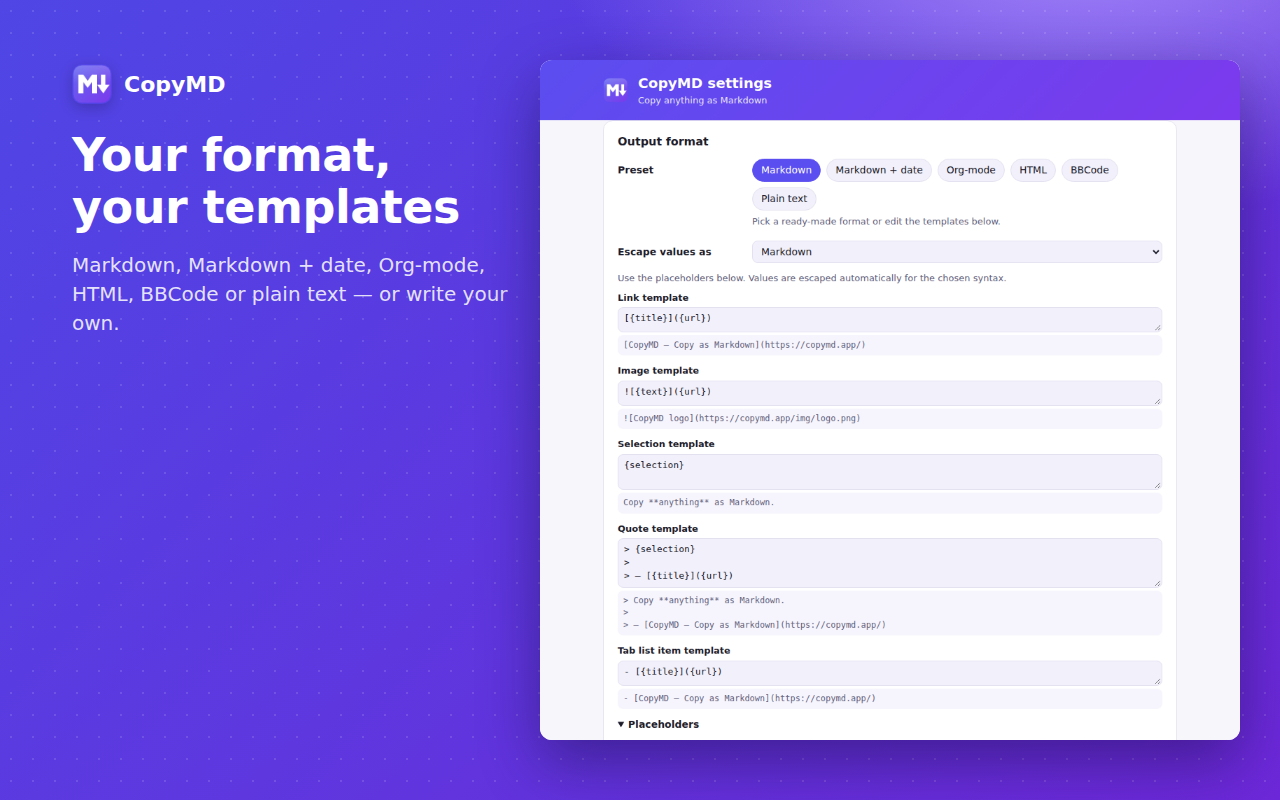
Presets for Markdown, Markdown with date, Org-mode, HTML, BBCode and plain text, or write your own templates.
Your last 20 copies stay one click away in the popup, on your device only.
Alt+Shift+L copies the page link, Alt+Shift+M copies the selection. Change them any time.
No account, no tracking, no ads. Pages are read only when you ask and nothing leaves your browser.
Select text, right-click a link or image, or just open the page you want to share.
Use the right-click menu, a keyboard shortcut or the big buttons in the CopyMD popup.
Paste into Obsidian, Notion, GitHub, Logseq, Slack, your editor or a forum. A ✓ on the icon confirms the copy.
Pick a preset or write templates with placeholders like {title}, {url}, {selection} and {date}.
[CopyMD — Copy as Markdown](https://copymd.app/)
[CopyMD — Copy as Markdown](https://copymd.app/) (2026-10-25)
[[https://copymd.app/][CopyMD — Copy as Markdown]]
<a href="https://copymd.app/">CopyMD — Copy as Markdown</a>
[url=https://copymd.app/]CopyMD — Copy as Markdown[/url]
CopyMD — Copy as Markdown — https://copymd.app/
Yes. CopyMD is free, with no account, no ads and no paid tier.
None. Conversion happens on your device. The page you copy from is read only at the moment you ask for a copy, and the history of your last 20 copies is stored locally in your browser. You can turn the history off or clear it at any time.
Only “Copy all tabs as a list” needs the titles and addresses of all tabs. Chrome asks for that permission the first time you use this feature; everything else works without it.
It works on regular web pages. Chrome doesn't allow extensions to read its own pages (like chrome:// settings) or the Chrome Web Store; there you can still copy the page link from the right-click menu.
Yes. Choose a preset in the popup or open Settings to edit the templates for links, images, selections, quotes and tab lists, and to pick bullet, emphasis and code fence styles.
Anything that accepts text: Obsidian, Notion, Logseq, Bear, GitHub, GitLab, Jira, Slack, Discord, VS Code, forums and more.
Install CopyMD and paste clean Markdown everywhere.
Add to Chrome — it's free